
Download FG Emulator – flash games, play flash games, flash game emulator, nostalgic games, classic games, browser games
Overview
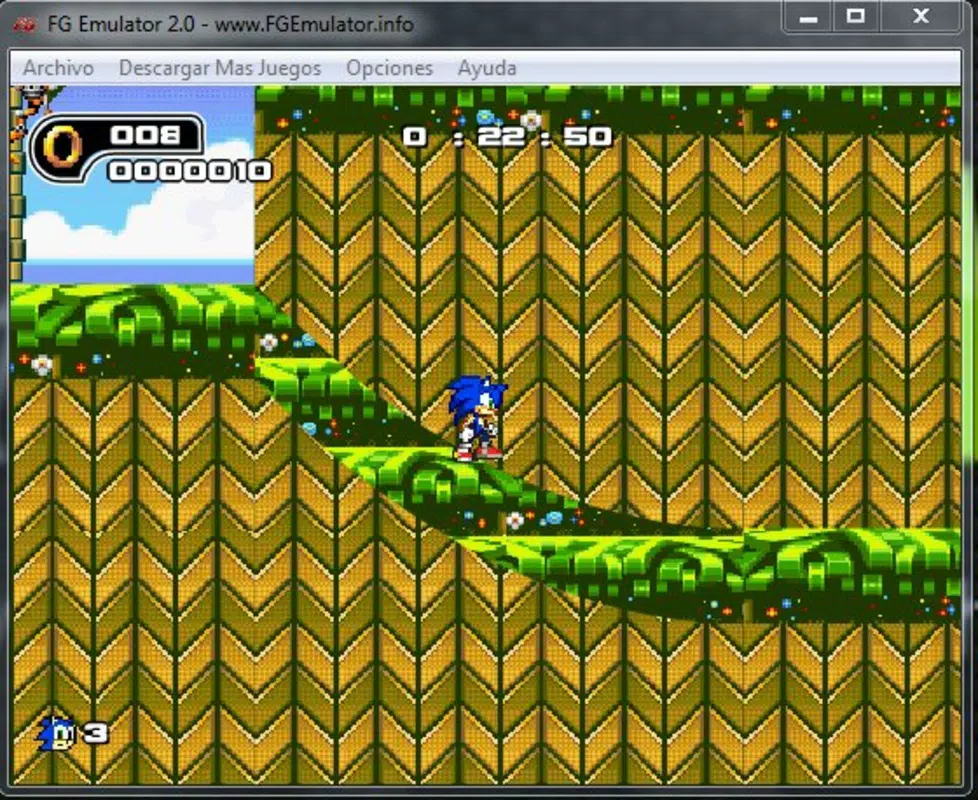
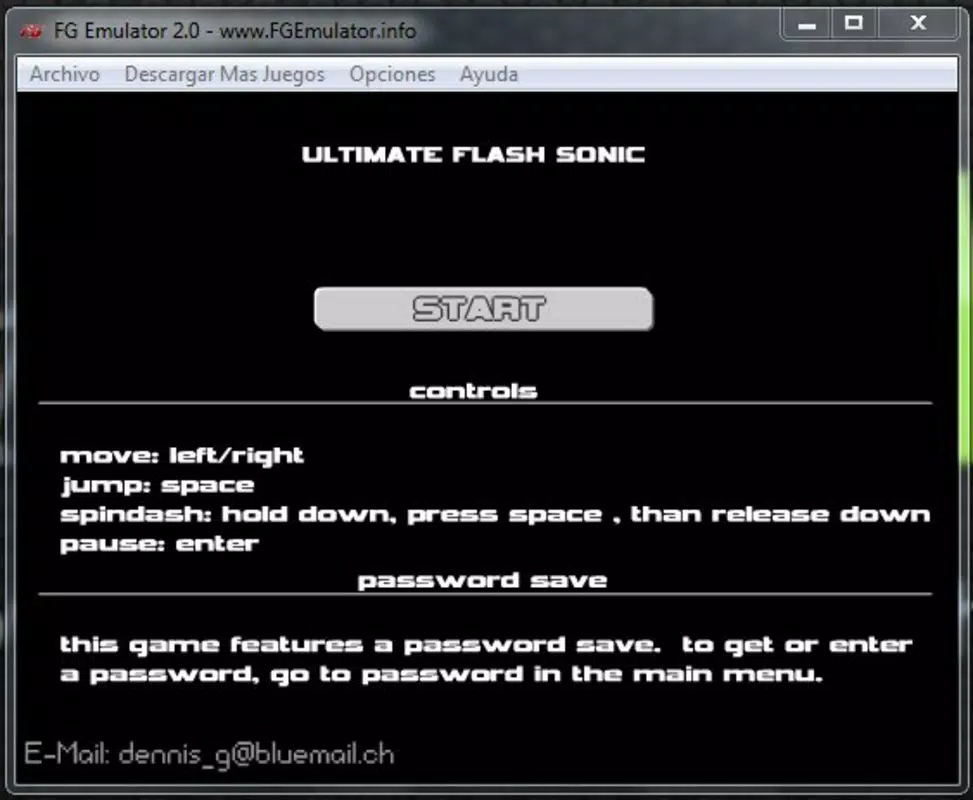
FG Emulator is a desktop application designed to provide users with a seamless way to play Flash-based games, offering a nostalgic journey into the golden era of browser gaming. The app enables individuals to relive classic gaming experiences that once thrived on websites like Newgrounds and Armor Games, which have since phased out Flash support. By allowing direct access to .SWF and proprietary .FGR files, FG Emulator preserves a significant part of digital entertainment history.
It caters to a wide audience, including retro gaming enthusiasts, casual players, and families seeking ad-free entertainment for children. The application is particularly valuable in the current digital landscape, where Flash content is no longer supported by modern browsers and operating systems. Despite the developer not providing additional technical background, FG Emulator has maintained relevance since its release in 2013, suggesting a stable and functional core.
Real-world use cases include personal game collections, educational settings for teaching digital media history, and family entertainment. Its continued existence highlights its role as a cultural preservation tool within the broader app ecosystem.
Key Features & Functionality
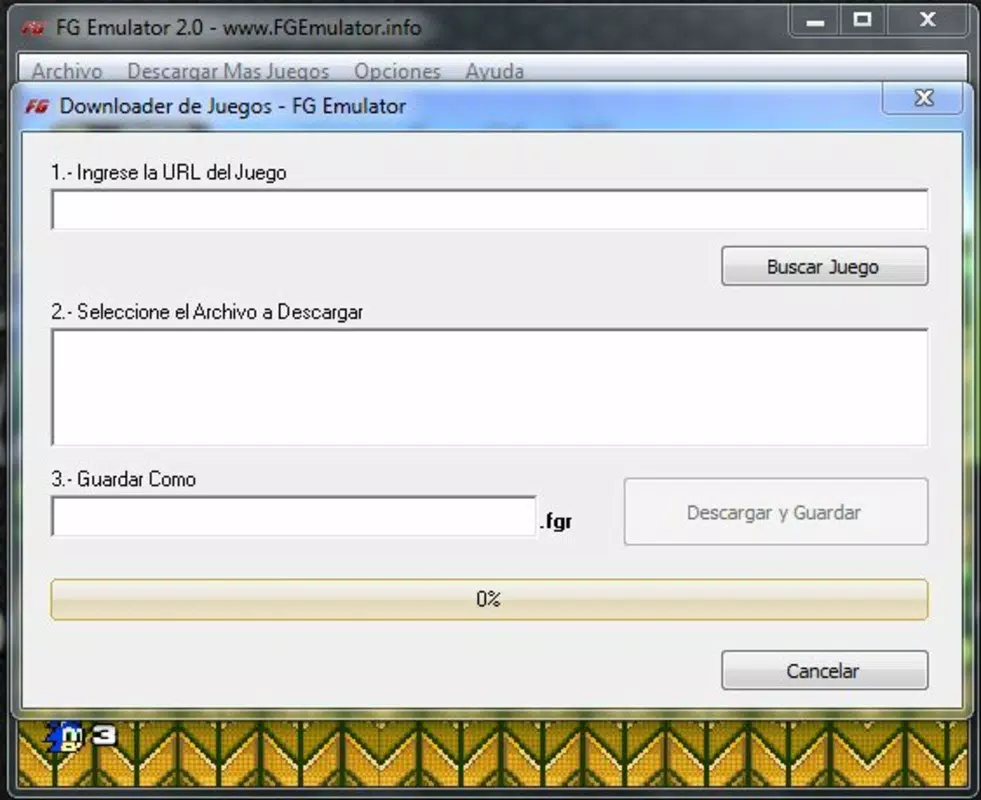
- Easy Download & Play: Users can directly download Flash games from the official website and launch them with minimal effort. This feature streamlines the process of accessing and playing games, reducing the need for complex setup procedures.
- Wide Game Selection: The emulator offers categorized browsing across genres such as action, arcade, and adventure. A built-in search engine enables quick location of specific titles, improving usability for both new and returning users.
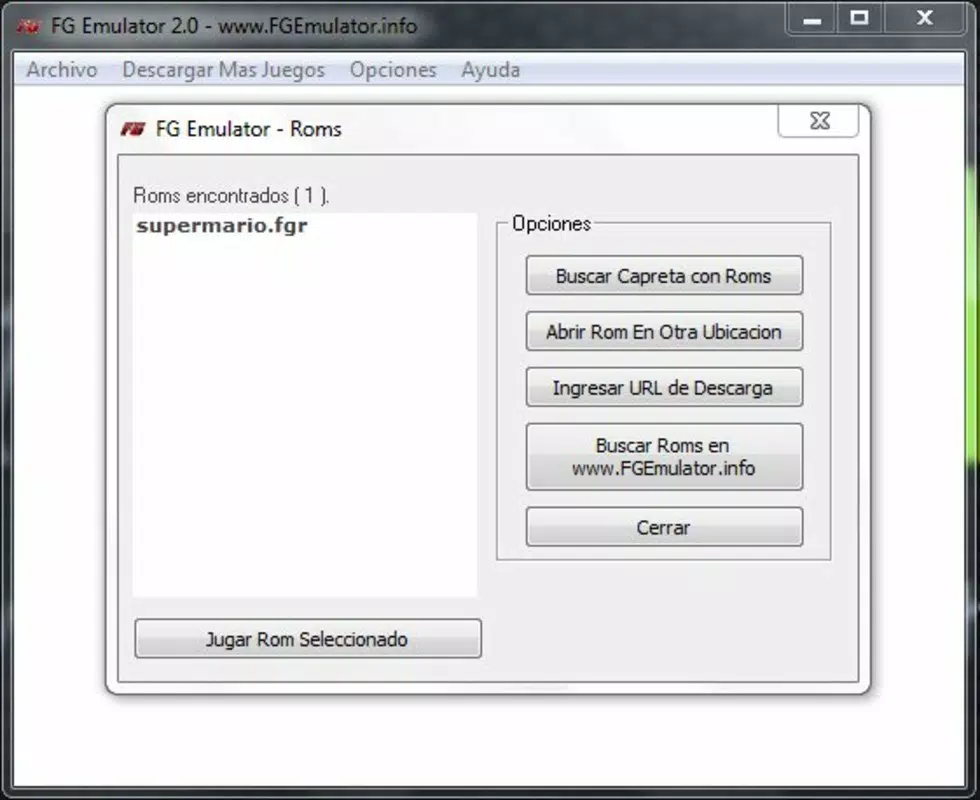
- Supports Multiple Formats: FG Emulator is compatible with .SWF files and its proprietary .FGR format, expanding the range of playable content beyond standard Flash files and ensuring broader compatibility with archived games.
- Ad-Free Experience: The application removes ads from game pages, providing a cleaner and more focused gaming environment. This is especially beneficial for younger users, minimizing exposure to potentially distracting or inappropriate content.
- User-Friendly Interface: With an intuitive menu structure and straightforward navigation, the app ensures accessibility for users of all technical skill levels, including those unfamiliar with emulation software.
For example, a parent looking to share classic games with their child can use the search function to find a specific title, download it through the emulator, and launch it instantly—without encountering intrusive ads. Similarly, a collector might use the format support to preserve and play rare or obscure Flash games stored in .FGR format.
Interface, UX & Performance
The user interface of FG Emulator is designed with simplicity and accessibility in mind. It features a clean layout with clearly labeled menus and organized game categories, allowing users to navigate efficiently. Visual elements are minimal but functional, focusing on usability rather than graphical flair.
Navigation follows a linear flow: users browse or search for games, select one, and initiate playback with a single click. The app’s responsiveness appears consistent across different Windows devices, though the developer did not list formal performance metrics. Stability is implied by the app’s long-standing availability since 2013, suggesting reliable operation over time.
Although the developer did not specify minimum OS requirements or performance benchmarks, the application’s 50.5 MB file size indicates a lightweight footprint, which likely contributes to smooth performance on older and modern systems alike. The interface maintains usability even on lower-resolution screens, and there are no reported issues with freezing or crashes in the available documentation. Overall, the user experience is optimized for ease of use and consistent gameplay.
Platform Compatibility & Technical Requirements
FG Emulator is available exclusively for the Windows platform. The current version is 1.0, and the application has a file size of 50.5 MB. The developer did not specify minimum OS requirements or compatibility details beyond the platform.
As such, users should verify system compatibility before installation. While the app was first released in 2013, it remains functional on modern Windows systems, suggesting backward compatibility. However, the developer did not disclose whether future updates are planned or if support will continue.
The lack of detailed technical information means users should proceed with caution on newer Windows versions or systems with restricted execution policies. No additional dependencies or external tools were mentioned in the provided data.
Pros and Cons
Pros
- Free to download and use, making it accessible to a broad audience.
- Supports multiple file formats, including .SWF and .FGR, increasing game compatibility.
- Provides an ad-free environment, enhancing the user experience, especially for younger players.
- Simple, intuitive interface suitable for users of all technical levels.
- Preserves classic Flash games that are no longer playable through modern browsers.
Cons
- The developer did not provide information on minimum system requirements or OS compatibility.
- Only available for Windows, limiting access for users on macOS or Linux.
- No official update history or release notes were provided.
- Compatibility with newer Windows versions cannot be confirmed without further details.
- As a legacy application, long-term support and security updates are uncertain.
FAQ
Is FG Emulator safe to download and install?
The app is described as free and available through its official website. However, users should ensure they download from a trusted source to avoid potential risks.
Can I play Flash games on FG Emulator without an internet connection?
Yes, once games are downloaded and saved locally, they can be launched and played offline, making the app suitable for use without an active internet connection.
Does FG Emulator support games from all Flash websites?
The emulator supports .SWF and .FGR files, but compatibility depends on the specific game and its dependencies. Not all Flash games may function perfectly.
Is FG Emulator available for Android or iOS?
Currently, FG Emulator is only available for Windows. There is no official version for Android or iOS devices.
How often is FG Emulator updated?
The developer did not disclose an update schedule or release history. Users should check the official website for the latest version.
Final Thoughts
FG Emulator stands as a vital tool for preserving and enjoying Flash-based gaming culture in an era where such content is increasingly inaccessible. Its ability to run classic games with minimal friction, combined with an ad-free interface and broad format support, makes it a valuable asset for nostalgic players and digital heritage enthusiasts. While its Windows-only availability and lack of detailed system information present limitations, the app remains a reliable solution for those seeking to relive browser-era gaming.
The simplicity of its design and the absence of cost further enhance its appeal. For families, educators, and retro gaming fans, FG Emulator delivers real value. Download FG Emulator now.


